How UI and UX Shape the Player Experience in Modern Games

Ajeet Thapa
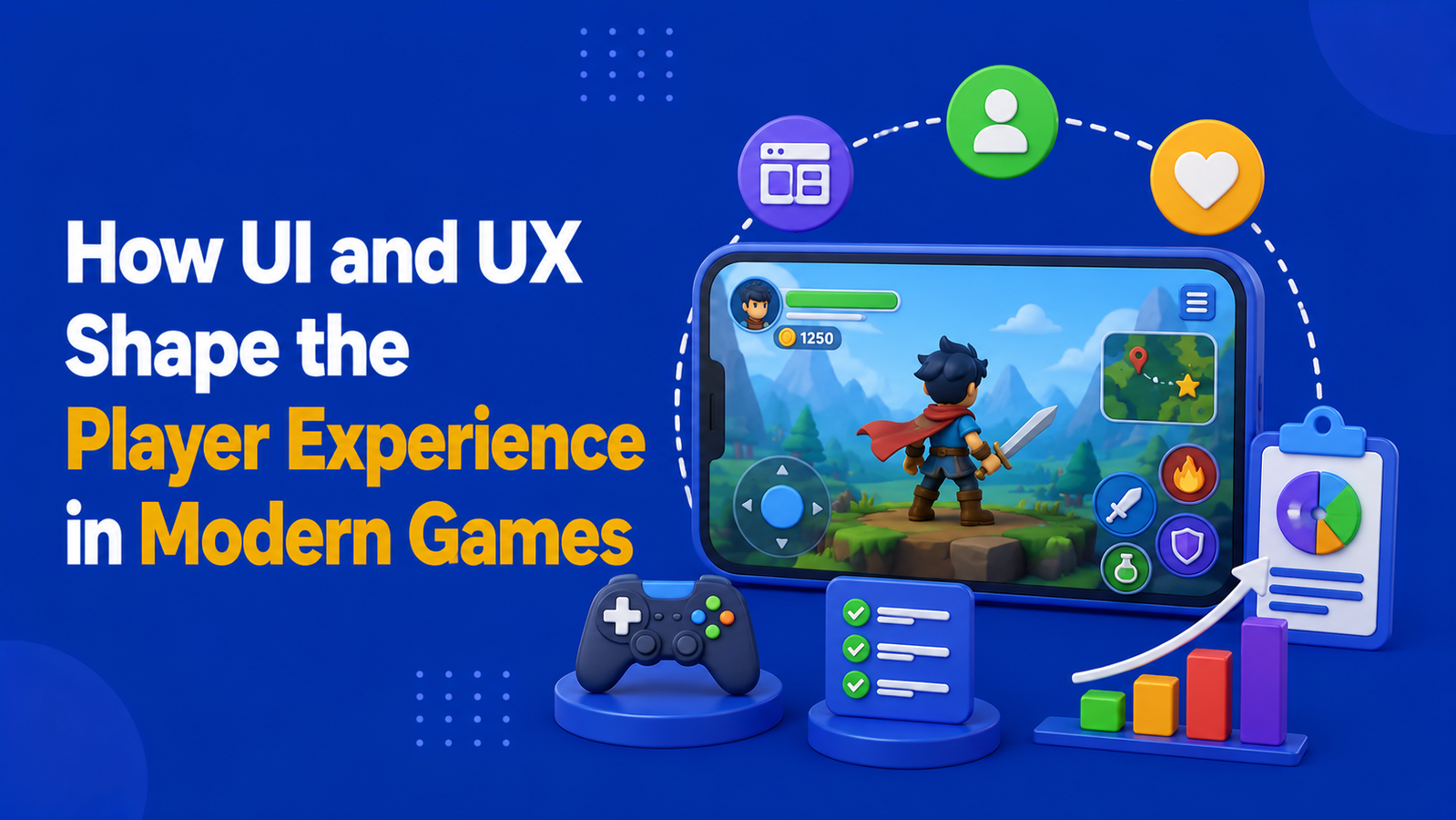
In today’s gaming industry, exceptional gameplay alone is no longer enough to keep players engaged. Every interaction a player has with a game—from opening the app for the first time to completing their hundredth session—is shaped by its user interface (UI) and user experience (UX). These design elements influence how easily players learn the game, navigate its features, understand its mechanics, and stay motivated to return. Even the most innovative gameplay can lose its appeal if players encounter confusing menus, inconsistent navigation, or frustrating interactions.
Modern game developers increasingly recognize that UI and UX are not simply visual enhancements but fundamental components of player retention and satisfaction. A thoughtfully designed interface reduces friction, builds trust, and keeps players immersed, while poor design creates barriers that can drive users away long before they appreciate the game's core experience. Understanding the relationship between UI, UX, and player behavior reveals why great design has become one of the strongest competitive advantages in modern game development.
1. Players Feel the Interface Before They Feel the Game
Before players understand a game's mechanics, objectives, or progression systems, they interact with its interface. Menus, buttons, onboarding screens, animations, loading sequences, and visual hierarchy create an immediate first impression that shapes how approachable the game feels. A clean, intuitive interface builds confidence and encourages exploration, while cluttered layouts or confusing navigation can create frustration before gameplay even begins.
Research in user experience design suggests that people form trust judgments within seconds of interacting with digital products, and games are no exception. Players naturally evaluate whether an interface feels intuitive, reliable, and easy to navigate before becoming emotionally invested. When early interactions are smooth, players are more willing to continue exploring. Conversely, confusing interfaces increase cognitive friction and significantly raise the likelihood of early abandonment, regardless of how enjoyable the gameplay itself may be.
Players often decide whether to continue playing within their first few interactions. An intuitive interface builds confidence immediately, while early confusion increases the likelihood of abandonment.
2. Good UX Reduces Cognitive Load and Keeps Players Immersed
Effective UX design allows players to focus entirely on the gameplay instead of spending time figuring out menus, controls, or navigation. Clear visual hierarchy, readable typography, consistent icons, and predictable interactions reduce cognitive load—the mental effort required to process information. As a result, players can quickly understand objectives and enjoy the experience without unnecessary distractions.
When UX is inconsistent or overly complex, players are forced to think about how to interact with the game instead of simply playing it. This breaks immersion and often leads to frustration, especially during onboarding or critical gameplay moments. Well-designed UX keeps interactions effortless, allowing players to remain engaged for longer sessions and increasing the likelihood that they will return.
Reducing cognitive load allows players to stay immersed in gameplay instead of struggling with the interface, leading to longer sessions and greater overall satisfaction.
3. UI Feedback Creates Emotional Rewards
Every interaction in a game becomes more satisfying when the interface responds clearly. Progress bars filling smoothly, achievement animations, subtle button effects, sound cues, and visual confirmations all reinforce that the player's actions matter. These seemingly small design choices create a sense of accomplishment, even during routine gameplay.
Behavioral psychology suggests that immediate and consistent feedback reinforces positive behavior. In gaming, players naturally associate responsive UI with progress and success, making them more likely to continue engaging with challenges and rewards. Often, the timing and quality of feedback have a greater impact on player satisfaction than the size of the reward itself.
Timely visual and audio feedback transforms simple actions into rewarding experiences, encouraging players to continue progressing through the game.
4. Poor UI Breaks Trust and Increases Drop-Off
Players expect interfaces to communicate information clearly and honestly. When menus are confusing, objectives are unclear, or reward requirements appear inconsistent, frustration quickly replaces excitement. Hidden mechanics, misleading buttons, or poorly explained progression systems can make players feel uncertain about what they need to do next.
Trust plays a critical role in long-term engagement. Players are far more willing to invest their time when systems feel transparent and predictable. Even games with excellent mechanics struggle to retain users if the interface creates confusion or gives the impression that information is intentionally difficult to understand.
Clear and transparent interfaces build player trust, while confusing or inconsistent UI creates uncertainty that often leads to higher abandonment rates.
5. Consistency in Design Builds Comfort and Habit
Consistency is one of the most valuable principles in UI and UX design. When buttons behave predictably, menus remain familiar, and visual styles stay uniform across the game, players develop confidence in every interaction. Over time, navigation becomes second nature, allowing players to focus entirely on gameplay rather than interface mechanics.
This familiarity also contributes to habit formation. Players no longer need to consciously think about where features are located or how actions work because repeated interactions become automatic. The result is a smoother experience that encourages longer play sessions and stronger long-term retention.
Consistent design reduces learning effort, builds player confidence, and encourages long-term engagement through familiarity and habit.
6. Great Player Experience Comes From Invisible Design
The most effective UI and UX often go unnoticed because they work seamlessly in the background. Smooth transitions, intuitive onboarding, responsive controls, and logical navigation allow players to remain fully immersed without thinking about the interface itself. Rather than drawing attention, great design quietly supports every interaction.
As games become increasingly sophisticated, UI and UX have evolved from purely aesthetic considerations into essential components of the overall player experience. Developers who prioritize usability alongside gameplay create products that are easier to learn, more enjoyable to play, and far more likely to retain players over time.
The best UI and UX feel invisible, allowing players to focus entirely on the game while every interaction feels smooth, natural, and rewarding.
Final Thoughts
Great gameplay may attract players, but great UI and UX are what keep them engaged. Every menu, animation, button, and interaction contributes to how players perceive a game, influencing their confidence, enjoyment, and willingness to return. From reducing cognitive load and building trust to creating satisfying feedback and encouraging habit formation, thoughtful interface design directly shapes the player journey.
As competition within the gaming industry continues to intensify, delivering an exceptional user experience is no longer optional—it's a strategic advantage. Developers who invest in intuitive, player-centered UI and UX don't simply create games that look polished; they create experiences that feel effortless, memorable, and rewarding from the very first interaction to the final session.
Exceptional UI and UX amplify great gameplay by making every interaction intuitive, engaging, and memorable—turning first-time players into long-term loyal users.